
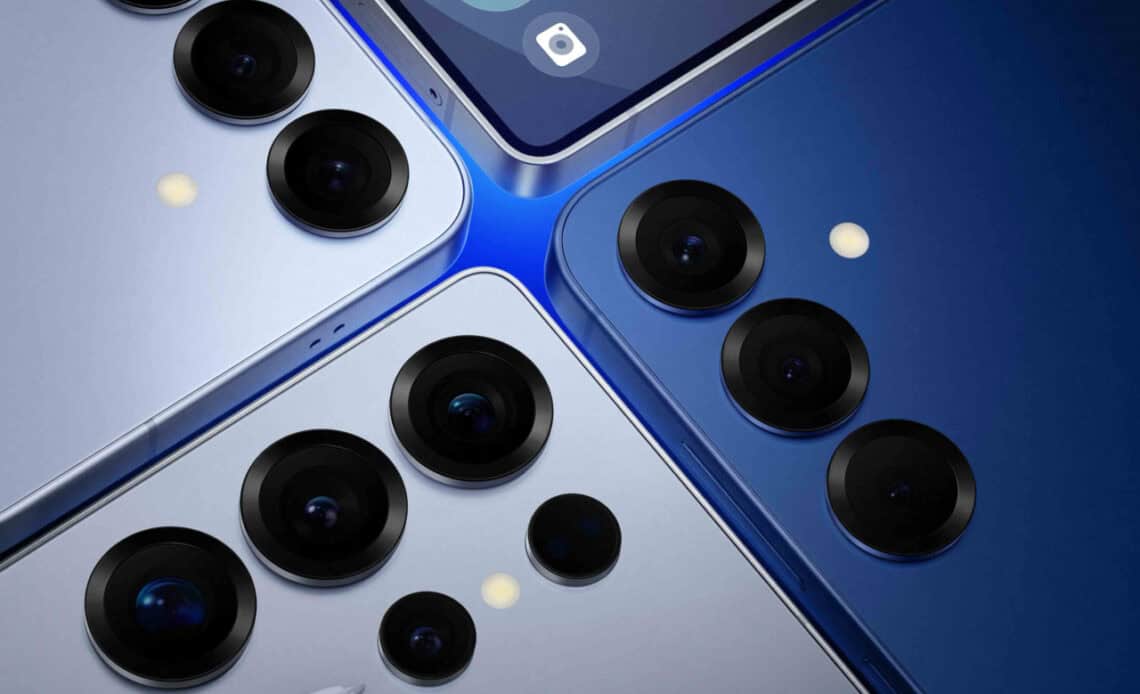
- The Samsung S25 Ultra features a more rugged design with a titanium band, Gorilla Armor 2 display, and Gorilla Glass Victus 2 back.
- Samsung has removed Bixby from the home screen and emphasized new AI features and camera improvements.
- RAW stills capture removed from the default camera app, now requires the use of the Expert Raw app for RAW still image capture.
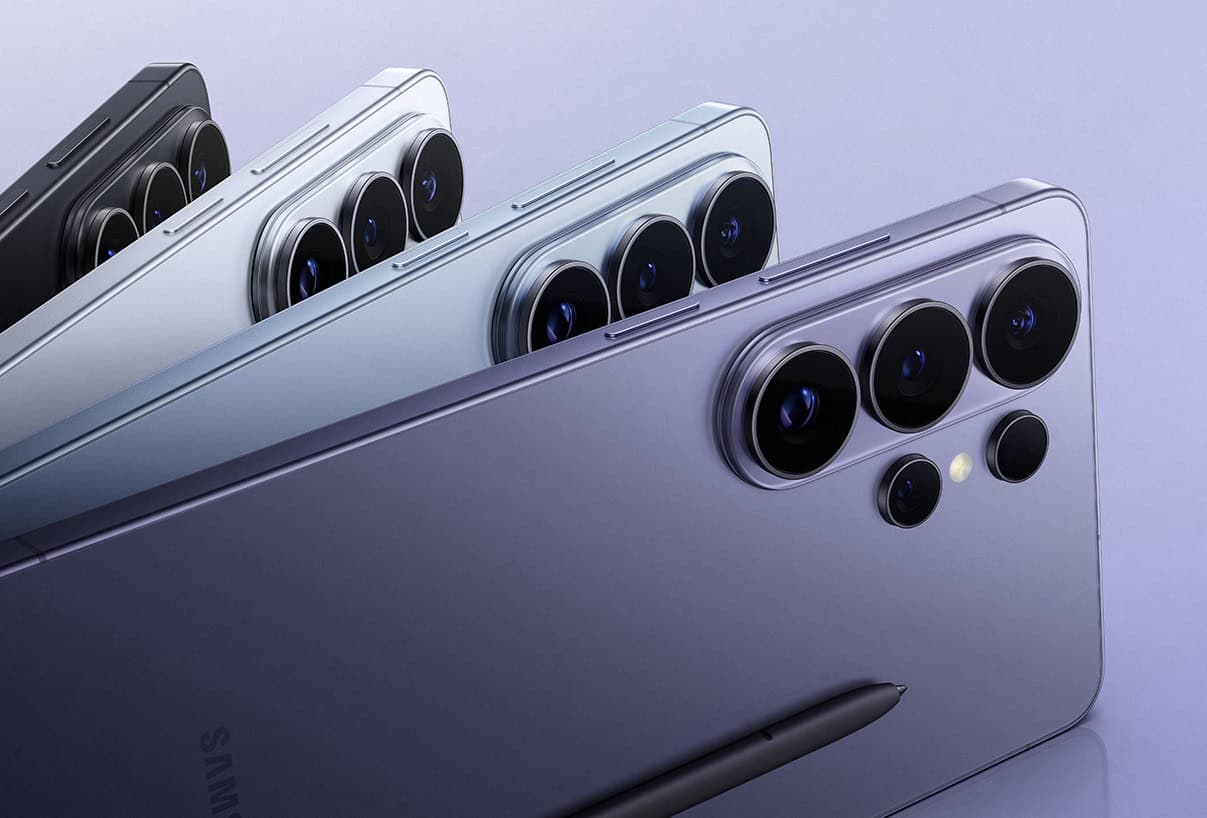
Above: Samsung’s new S25 line features a strong lens line-up. Photo courtesy Samsung.
BitDepth#1502 for March 17, 2025
It’s been a minute since Samsung offered a hands-on opportunity with one of their premium smartphones.
That last happened back in 2022, when we were all still wearing masks and Samsung was still wedded to its curving edges aesthetic.
That design cue made for an undeniably appealing visual as the screen seemed to disappear off the edge of the device, like those infinity swimming pools that overflow at one edge.
At some point, probably when reviewing its internal history of device damage, the company apparently decided that rugged was better than cool, because the new S25 aligns with the more commonplace design of toughened glass wrapped at the edge with a band of metal.
That titanium band wraps around a display made from Corning Gorilla Armor 2 with Gorilla Glass Victus 2 used on the back of the S25 series.
The brushed metal finish under the rear glass and on the metal frame manages to be both fashionably sleek while offering some tooth for even a casual grip at the edges.
The likelihood that anyone spending a minimum of US$1,100 on this premium phone won’t be putting it into a protective case approaches nil though, so matters of finish are only important for first impressions and structural robustness.
Standby battery life is excellent. The S25 Ultra has a 5,000 mAh battery and in testing, I left the phone on for seven days with just the WiFi radio active, registering a drain of less than 50 per cent.
At launch, Samsung leaned in heavily on the new AI features of the S25 series and the improvements it’s introduced to its camera system, so let’s consider those first.
Samsung has quietly ushered its largely unloved digital assistant Bixby off the premium space offered with a right swipe on the home screen. It’s now in the Samsung apps folder.
It’s a gentle exit for a service that virtually nobody used but at least the person who still needs it can move it out of its folder purgatory and restore it to the home screen. Or not.
Swiping right on the home screen of an S25 device now pulls up a Google aggregation screen that’s similar to the one that Chrome offers as a default start screen.
To access the new AI features, you can use voice activation for Google’s Gemini, Bixby’s more muscular successor.
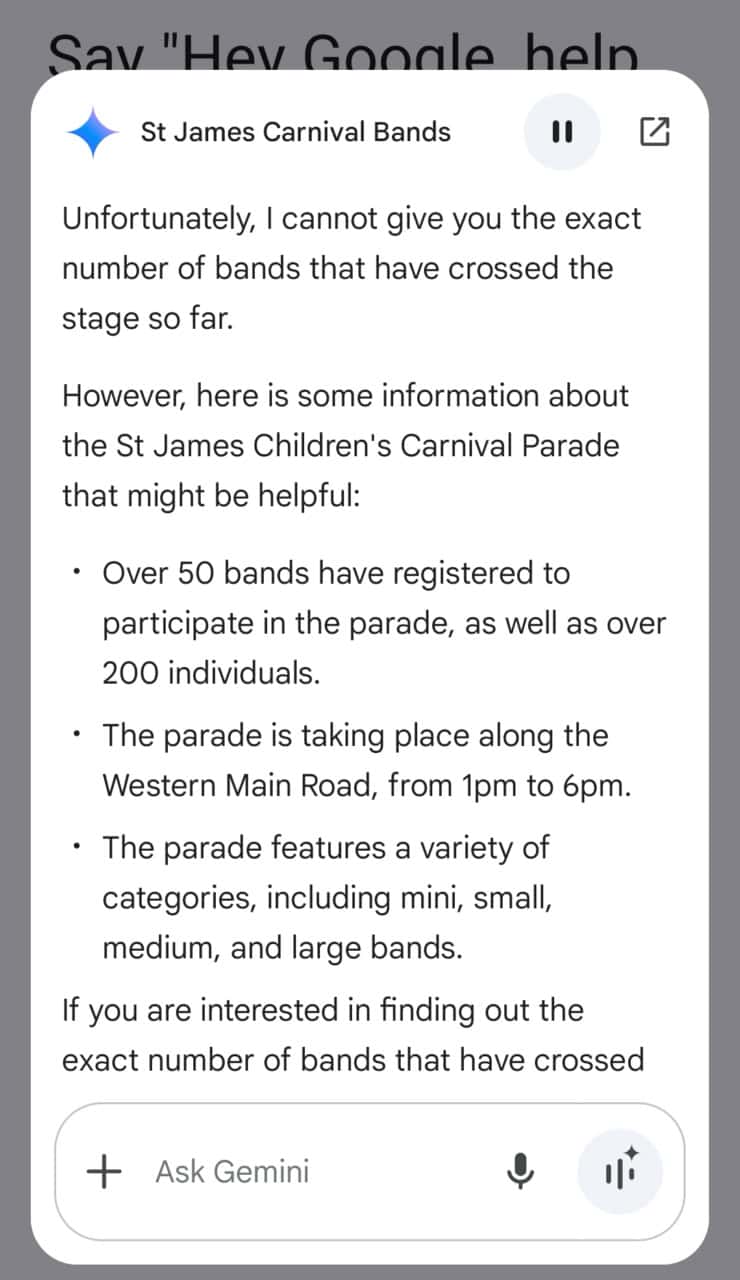
Gemini knows everything that Google does, but even so, it was surprising to ask the device, in the middle of children’s Carnival in St James how many bands would be parading and get a response that aligned with lived reality.
Depending on what you ask it, Gemini can tap into its on-device database or it will connect to the internet to look up information and present it using the chatty style that Google has been using on its search pages.
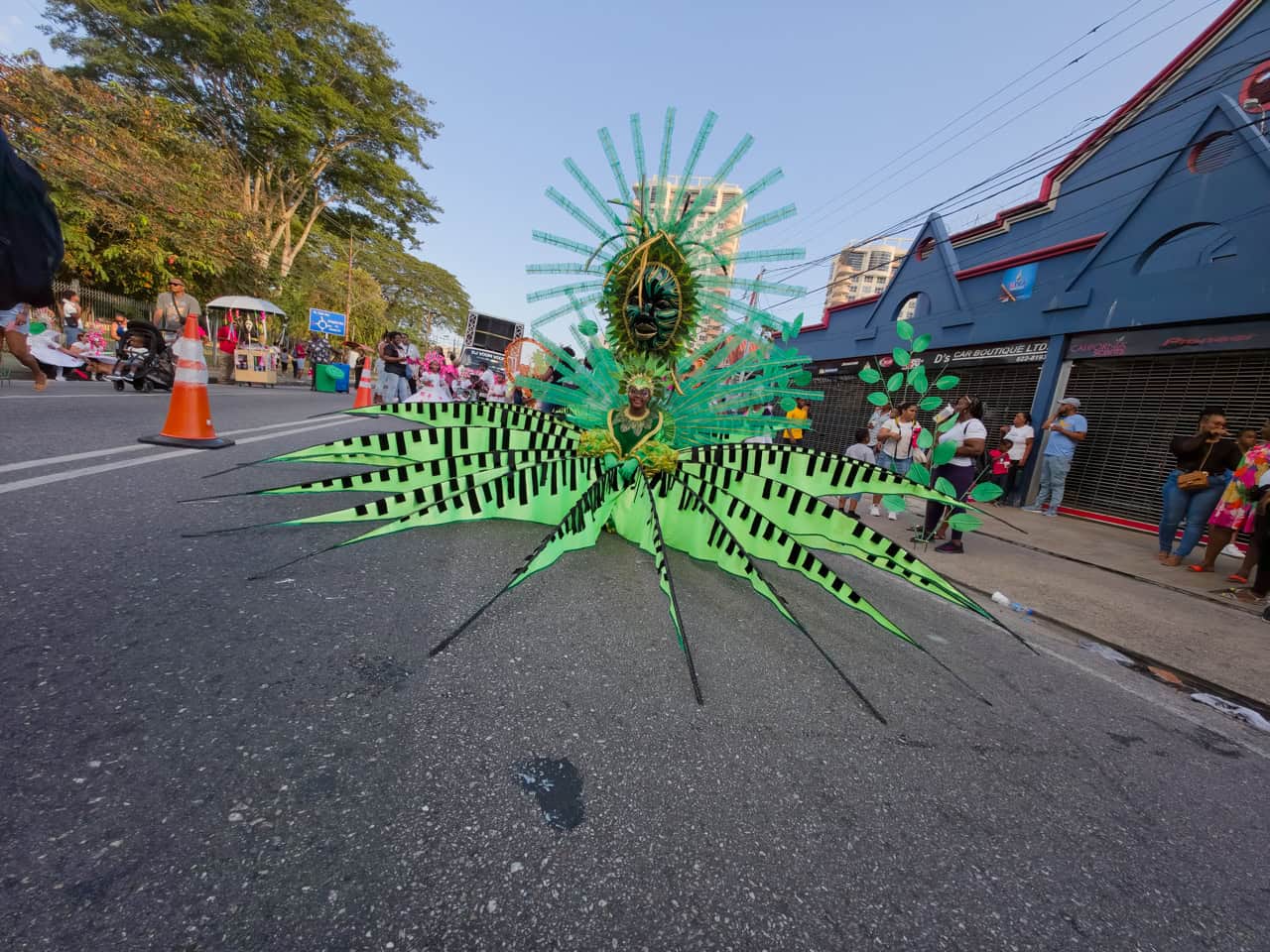



Being able to switch between the a really wide lens and a very tight crop is a powerful asset to image-making on the fly. Each of these images is shot with one of the four practical lenses of the S25 Ultra from the same position. Straight from the device (uncropped, including the tilted horizon line) as DNG files, exported to JPEG and resized. Photos by Mark Lyndersay.
There are two video modes, a simpler, general purpose video capture screen and a more sophisticated Pro Video capture option that gives a savvy videographer direct feedback about audio levels and histogram distribution.
You’ll need to be in Pro Video mode to capture using LOG format, which will give you huge but unsightly files that require post processing.
The Gallery app can do a quick and dirty conversion of the footage, but that makes no sense at all, since LOG capture is normally the start of a sophisticated colour grading pipeline that’s intended to create cinema quality footage.
There’s nothing in the Gallery app that’s capable of offering that kind of flexibility so if you don’t have an existing workflow that makes use of LOG files, don’t make the mistake of capturing them. If you do, you can use Gallery to quickly convert them.
Some cute video features introduced with the S21 and S22 are now gone, including Director Mode. I wasn’t clear on how that would improve standard vlogging procedures and it seems that Samsung realised that nobody else could either.



Shot with the 24mm “standard” lens at each of the four resolutions you can access using Expert RAW and cropped to the same detail. There is no increase in sharpness or image quality across all the images, just more pixels. There’s a slight colour shift in the lowest resolution file, but that might be because of the vagaries of the impromptu lighting setup. You can download a compressed ZIP file of all four uncropped images here (DNG RAW files, 216MB zip file)
Getting rid of things that don’t work to emphasise things that do is one of the best features that any smartphone manufacturer can bring to their devices.
Rather surprisingly, Samsung has removed RAW still image capture in the same Camera app that they added RAW video capture to.
To be accurate, the feature hasn’t been removed, but there’s no way to capture RAW stills using the camera app that ships with the device.
To capture RAW stills, you need to use Samsung’s Store app and download Expert Raw, a special purpose app that the company introduced for the S21 that offers pro and pro-adjacent photographers more fine-grained control over their captures.
The S25 offers four practical lenses, a 50MP 14mm equivalent f1.9 lens, a 24mm f1.7 semi-wide capable of capturing a 200MP file, a 10MP 67mm short telephoto and a 50MP 111mm long telephoto periscope lens.
The Expert Raw app rather helpfully strips away all the intermediate “zoom lens” steps that the camera system fakes by using plenoptics to merge data from two or more lenses.

Expert RAW offers some fresh innovations in manual camera capture, some of which will require a tripod, including controls for extreme long exposures and virtual neutral density filters.
The virtual aperture option is just rebranded plenoptic Live Focus, also integrated into Portrait mode in the standard Camera app.
In extreme circumstances, very low light and shooting against a bright light source, edges get a bit crunchy and grain in dim light remains intrusive, but in flat, indirect lighting, the sharpness and clarity of images across all four lenses is remarkable, drifting firmly into DSLR territory.
Overall, the S25 Ultra is a substantial leap over the S20, S21 and S23 models, but S24 owners are unlikely to find much here to justify the cost of upgrading.










 Is Apple’s Neo the One?
March 22, 2026
Is Apple’s Neo the One?
March 22, 2026
 Privacy and your travel information
March 15, 2026
Privacy and your travel information
March 15, 2026
 TATT announces ambitious three-year strategic plan
March 9, 2026
TATT announces ambitious three-year strategic plan
March 9, 2026
 Samsung’s S26 leans in hard on...
March 1, 2026
Samsung’s S26 leans in hard on...
March 1, 2026
 A 2026 manifesto for Carnival
February 23, 2026
A 2026 manifesto for Carnival
February 23, 2026
 A hiss from a rose
February 15, 2026
A hiss from a rose
February 15, 2026
 News is a niche until it’s...
February 9, 2026
News is a niche until it’s...
February 9, 2026
 FT’s second Next Gen News report...
February 9, 2026
FT’s second Next Gen News report...
February 9, 2026
 Ransomware report notes fourth quarter 2025...
February 2, 2026
Ransomware report notes fourth quarter 2025...
February 2, 2026
 Hands-on with Apple’s Creator Studio as...
January 30, 2026
Hands-on with Apple’s Creator Studio as...
January 30, 2026
 Apple flirts with subscription software
January 26, 2026
Apple flirts with subscription software
January 26, 2026
 So long, and thanks for all...
January 19, 2026
So long, and thanks for all...
January 19, 2026
 Cyberedge reports on cybersecurity trends
January 12, 2026
Cyberedge reports on cybersecurity trends
January 12, 2026
 Samsung’s ZFlip 7 shows steady improvement
January 5, 2026
Samsung’s ZFlip 7 shows steady improvement
January 5, 2026
 Digital New Year’s resolutions
December 29, 2025
Digital New Year’s resolutions
December 29, 2025
 WiPay announces new strategy for services,...
December 22, 2025
WiPay announces new strategy for services,...
December 22, 2025
 Old Mac, new OS
December 15, 2025
Old Mac, new OS
December 15, 2025
 Regional cybersecurity faces fire
December 8, 2025
Regional cybersecurity faces fire
December 8, 2025
 Unfinished symphonies
December 1, 2025
Unfinished symphonies
December 1, 2025
 Do you know who your child...
November 24, 2025
Do you know who your child...
November 24, 2025

[…] Caribbean – It’s been a minute since Samsung offered a hands-on opportunity with one of their premium smartphones… more […]