
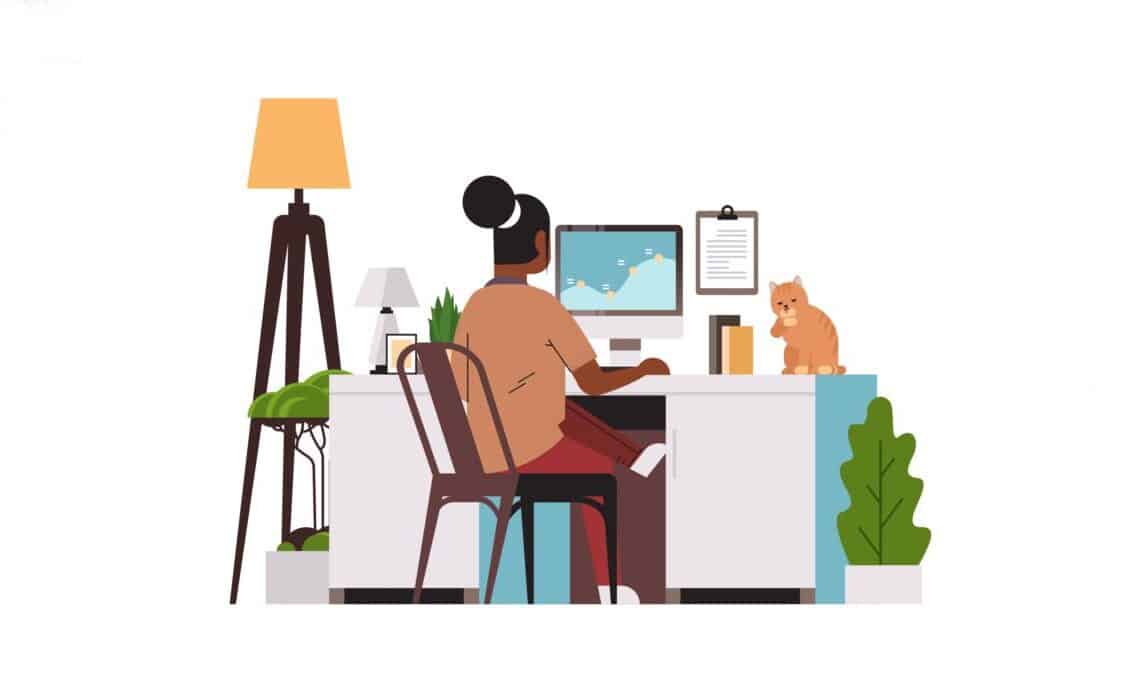
Above: Illustration by mast3r/DepositPhotos
An at-home set-up has to be more than just a space with the digital devices you need. It should also be a space that works effectively for you, whether you want to listen to your television with a wireless headset or you need to turn on lights at a certain time in the evening before you get home from work.
Whether you plan to work from home, log into your computer to start gaming, or need to stream content, the home setup you have makes a big difference. But what is a home setup?
A home setup is anything that goes into running your digital devices. A seamless setup requires you to:
- Use cable management techniques
- Integrate your technology (such as Alexa or other artificial intelligence helpers)
- Adapt your lighting
- Think about ergonomics and what makes you comfortable in the space
With the right approach, you can make a space that is both visually clean and functional, resulting in a seamless home setup environment that works right every time.
Why Are Digital Home Setups So Important?
Digital home setups are important because people are online more than ever. From using smartphones as a main line of communication to having connected appliances, wireless technology, and digital devices are now a regular part of the home.
A good home setup streamlines and eliminates stress when using these devices. With the correct setup, all these devices can work together effortlessly, ensuring you can enjoy your space instead of struggling with troubleshooting your technology.
How To Create a Seamless Home Setup
To create a home setup that works for you, the first step is to think about how you want your devices to function. Before you purchase any new device, ask questions like:
- Does this device work with the others I currently have installed? Cross-connectivity and cross-functionality will save you a lot of time and hassle, so make them a priority.
- Will this device run on the same cords or cables currently present in the room, or do I need additional charging stations and outlets?
- Will having all these devices on my Wi-Fi work, or will the signal be too weak in some rooms?
- Should I invest in additional tools, such as a mesh network, power strip, or surge protection, to keep my home setup working effectively when a new device is added?
You should also map out your workflow each day. For example, placing your phone near your bed may make sense if you want to immediately take your phone off the charger in the morning. You might have a coffee maker that kicks on at a particular time to make your coffee automatically, or you may want your computer to be powered up and ready to go by the time you enter your home office. Think through how you use your devices, and then start purchasing the devices and accessories that make the most sense for your needs.
Don’t Forget About Cable Management
Cables are interesting because they’re usually left out of sight (and out of mind), yet they help relay power to the devices you use most. Good cable management keeps everything running smoothly. Some ideas to keep cables managed include:
- Using cable sleeves, adhesive clips, or under-desk trays to ensure cables stay out of harm’s way and don’t become trip hazards or unsightly blemishes in a room.
- Chargers and electronic devices should be placed on top of shelving with cable cutouts, which ensures cables aren’t pinched or twisted on their way to outlets.
- Selecting devices that can use the same charging cables to cut down on the number of cables necessary in a certain space.
Brighten Your Space With the Right Lighting
Today’s home setups often have wireless lighting with controls that go to a smartphone or tie into your home assistant (like Amazon’s Alexa). When you set up these devices on your wireless network, you can group them to be more efficient. You may group several lights into “living room” or “bedroom,” for example. You can then set times when they turn on or off and even select the color temperature.
Important note: Keep in mind that these devices may need to be reset if the wireless network fails during a blackout or brownout, but taking the time to set up their functions in advance should make any reset faster in the future.
Keep Up on Good Ergonomics
Finally, think about the ergonomics of your home setup as you put it together. To make it as seamless as possible, you will want to ensure the items you need are always in the space where you need them.
For example, if you have a home office, you may want to purchase a riser for your computer monitor, a keyboard tray for your desk, or an ergonomic mouse that fits your palm just right. You should consider putting home assistants within close range of where you are most, so you can turn on music or adjust the lighting without getting out of your chair or yelling into another room.
While ergonomics isn’t exactly a part of your home setup, it can make your home setup easier (and more comfortable) to use, so consider it carefully.
The Right Home Setup Is Designed By You, For You
A good home setup will be set up for how you plan to use it. You’ll want to link together your devices, of course, but at the same time, you need to ensure they all fulfill a need.
If this is the first time you’re creating a home setup, it’s okay to start small. Start with a simple device, like a home assistant that you can talk to when you want to listen to music or place a grocery order. Then, add another device, like a wireless television, that you can also turn on and off from that assistant. Building up your home setup over time will let you make adjustments as you go, so the end result works exactly the way you want it to.
About the author

Megan Isola
Megan Isola holds a Bachelor of Science in Hospitality and a minor in Business Marketing from Cal State University Chico. She enjoys going to concerts, trying new restaurants, and hanging out with friends.
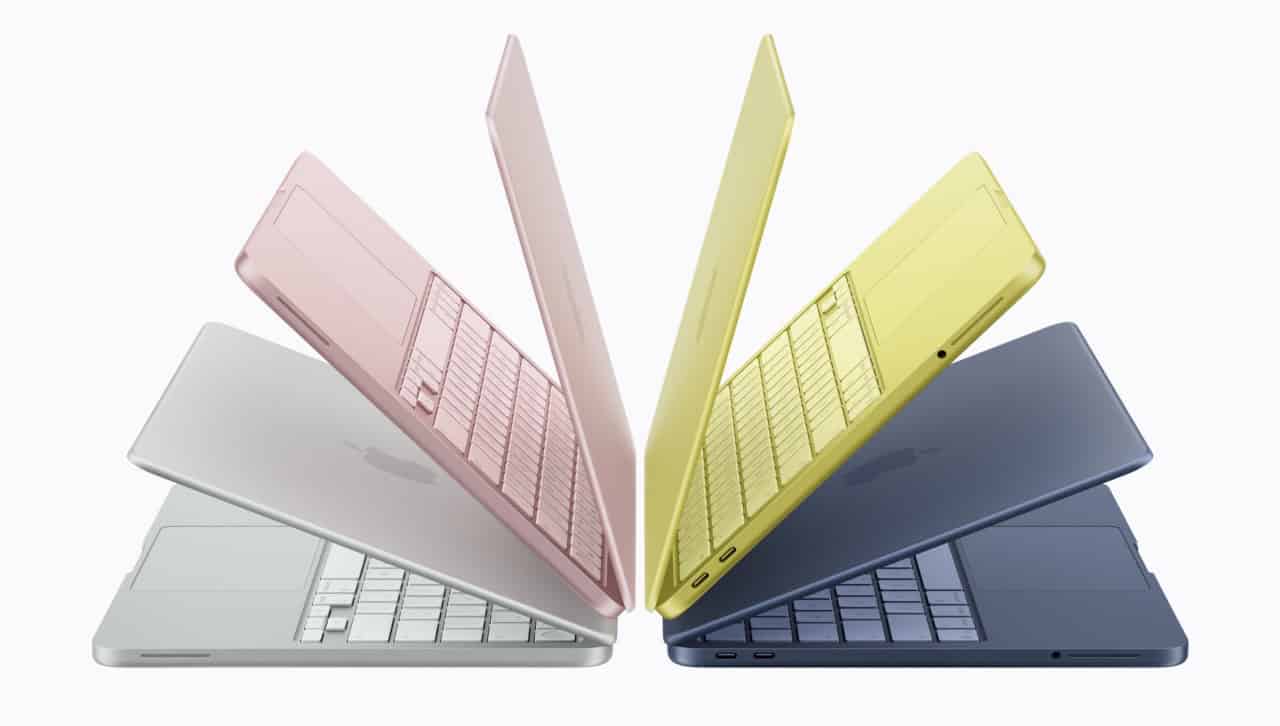

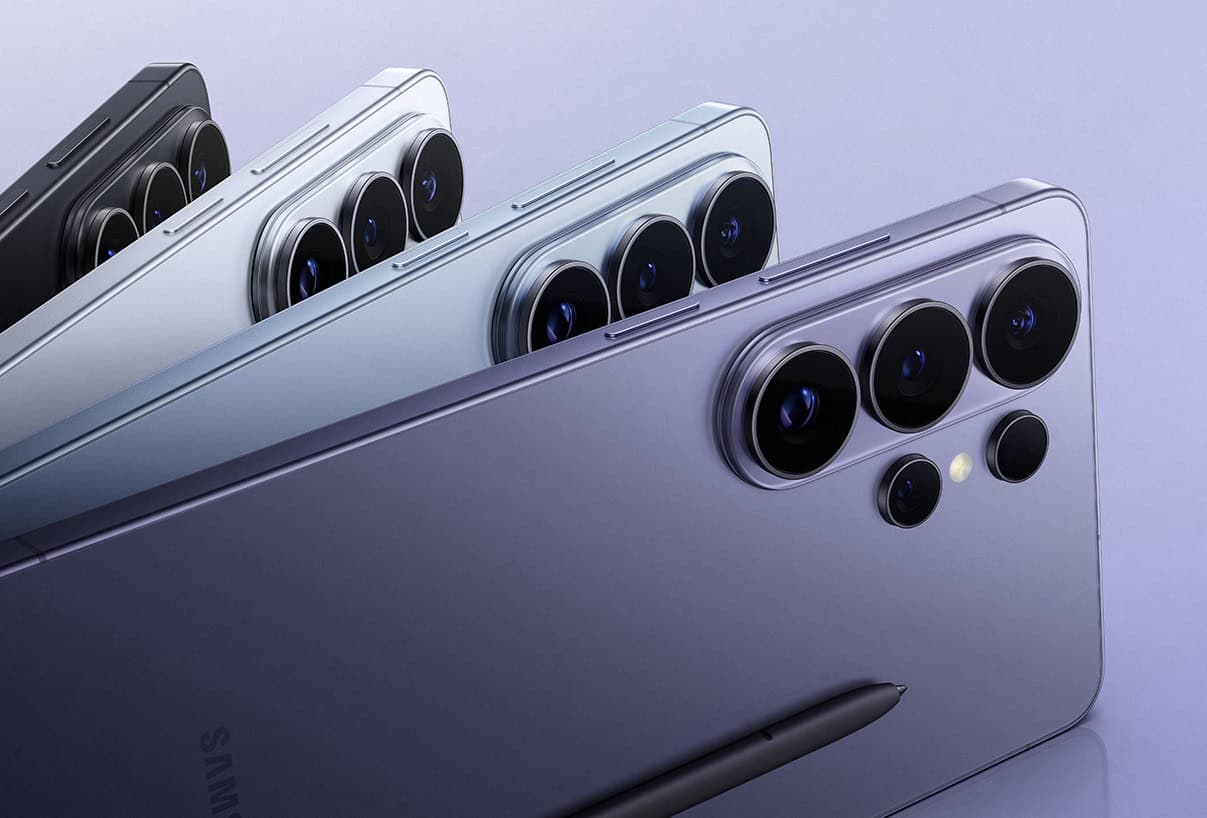












 Is Apple’s Neo the One?
March 22, 2026
Is Apple’s Neo the One?
March 22, 2026
 Privacy and your travel information
March 15, 2026
Privacy and your travel information
March 15, 2026
 TATT announces ambitious three-year strategic plan
March 9, 2026
TATT announces ambitious three-year strategic plan
March 9, 2026
 Samsung’s S26 leans in hard on...
March 1, 2026
Samsung’s S26 leans in hard on...
March 1, 2026
 A 2026 manifesto for Carnival
February 23, 2026
A 2026 manifesto for Carnival
February 23, 2026
 A hiss from a rose
February 15, 2026
A hiss from a rose
February 15, 2026
 News is a niche until it’s...
February 9, 2026
News is a niche until it’s...
February 9, 2026
 FT’s second Next Gen News report...
February 9, 2026
FT’s second Next Gen News report...
February 9, 2026
 Ransomware report notes fourth quarter 2025...
February 2, 2026
Ransomware report notes fourth quarter 2025...
February 2, 2026
 Hands-on with Apple’s Creator Studio as...
January 30, 2026
Hands-on with Apple’s Creator Studio as...
January 30, 2026
 Apple flirts with subscription software
January 26, 2026
Apple flirts with subscription software
January 26, 2026
 So long, and thanks for all...
January 19, 2026
So long, and thanks for all...
January 19, 2026
 Cyberedge reports on cybersecurity trends
January 12, 2026
Cyberedge reports on cybersecurity trends
January 12, 2026
 Samsung’s ZFlip 7 shows steady improvement
January 5, 2026
Samsung’s ZFlip 7 shows steady improvement
January 5, 2026
 Digital New Year’s resolutions
December 29, 2025
Digital New Year’s resolutions
December 29, 2025
 WiPay announces new strategy for services,...
December 22, 2025
WiPay announces new strategy for services,...
December 22, 2025
 Old Mac, new OS
December 15, 2025
Old Mac, new OS
December 15, 2025
 Regional cybersecurity faces fire
December 8, 2025
Regional cybersecurity faces fire
December 8, 2025
 Unfinished symphonies
December 1, 2025
Unfinished symphonies
December 1, 2025
 Do you know who your child...
November 24, 2025
Do you know who your child...
November 24, 2025

[…] Caribbean – An at-home set-up has to be more than just a space with the digital devices you need. It should also be a space that works effectively for you, whether you want to listen to your television with a wireless headset or you need to turn on lights at a certain time in the evening before you get home from work… more […]