- • The thoughtful redistribution of belongings to appreciative recipients ensures that items find new purpose
- • Create a secured document with login information and passwords for next of kin
- • A Digital Executor may be critical for managing major and important digital asset
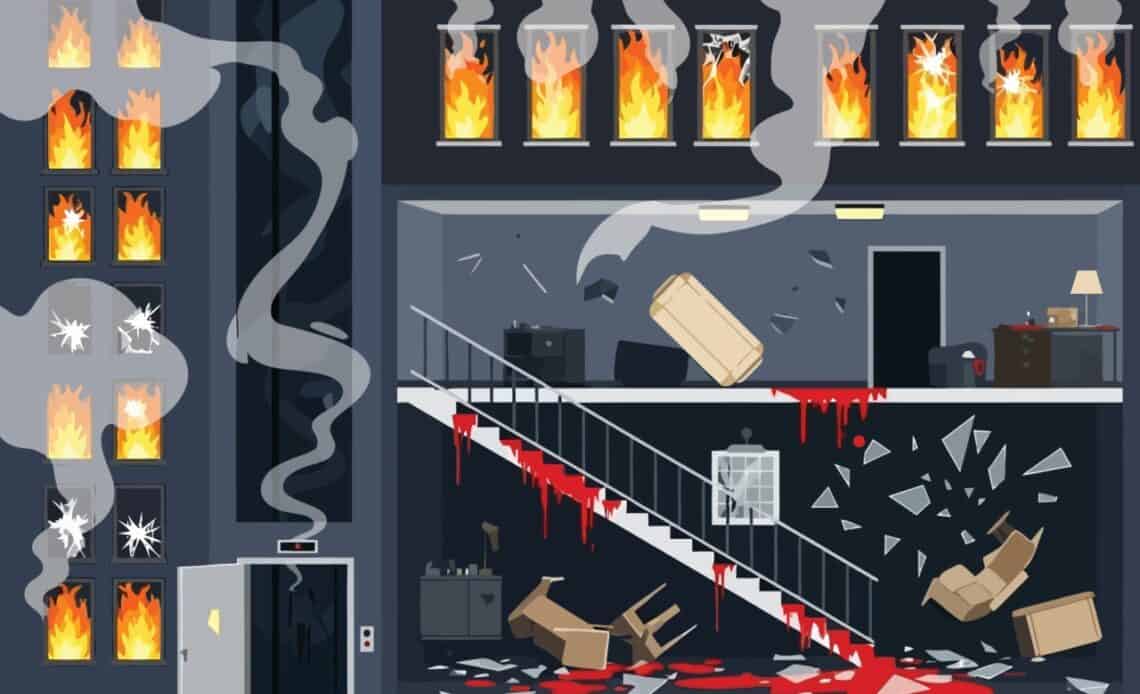
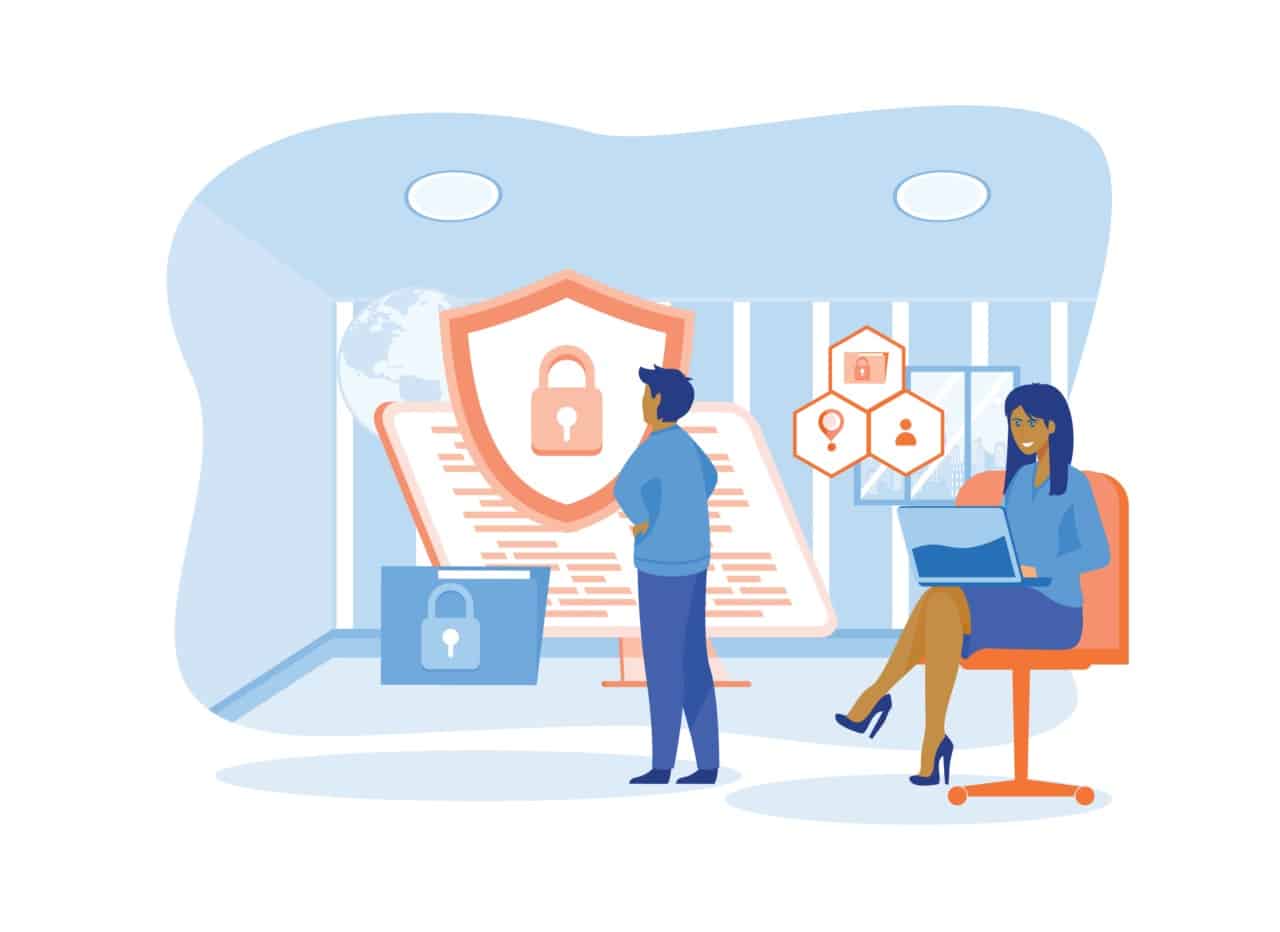
Above: Illustration by arairiyarieya/DepositPhotos
BitDepth 1557 for April 06, 2026
My discovery of döstädning, better known as Swedish Death Cleaning, was the right thing at the right time.
Quite recently, I was asked to help two creative professionals I’ve known for decades with some of their “stuff.”
In one instance, it was a truly impressive collection of older photographic equipment and literature that had demanded a considered approach to finding appreciative homes, a process that took weeks.
The effort proved rewarding when I saw how enthusiastically the recipients received the offered goods, almost all of it given without cost.
The other was a massive box of old photographic prints, two-thirds of which were my work, the remainder proving rather startlingly to be the last physical remnants of three photographers of my acquaintance, two having passed while the third left the business decades ago.
The collection of photographs spent a year at the National Archive, untouched until the owner requested its return.
What’s been pleasantly surprising about this experience is that both owners of these unique properties are very clear about their wish for the items to be rehoused where they can be of use, while also being firm that they had no wish to burden their families with items they might only marginally understand.
That’s one of the tenets of Swedish Death Cleaning, which is partly a pre-will allocation and a bit of Marie Kondo style space reorganising blended vigorously with rigorous decluttering.
While there’s no age limit at which this kind of focused reconsideration of personal possessions should begin, anyone over 50, in poor health or otherwise having good reason to want to plan for a major life change might want to put this kind of planning into place.
There’s an abundance of material covering this topic, starting with the book by Margareta Magnusson, The Gentle Art of Swedish Death Cleaning, which introduced the concept to the wider world and inspired a series on Peacock.
At the heart of the concept is shelving sentiment to shed the unnecessary while choosing to live with the meaningful and essential.
Doing it is brutal, but the results can be revelatory.
Because this column is about technology, consider this column an addendum to Magnusson’s clear advice for dealing with meatworld items, but translated to the medium of bits, where cruft accumulates in great drifts of data, often untrammeled by either reason or any hint of order.
Digital information is easy to gather, but difficult to organise even for daily access, but making sense of the bits littering your drives is much harder if you haven’t been part of accumulating it.
A good place to start is with access. A computer that nobody can get into is destined for either erasure or dumping.
Consider creating a secured document (which should not be part of your will) that designated next of kin or appointees can use to unlock your computer along with the passwords that will allow them to post notifications on your social media and via email of your passing and then to close these accounts.
A password manager is useful for this kind of consolidation and you don’t even have to pay for one. Since MacOS 15 (Sequoia), Apple has introduced a Passwords app and Microsoft has migrated its system-level password management tools for individuals into its Edge web browser.
Be sure to leave clear instructions to enable access to your aggregated passwords.
Some services have systems that allow you to designate specific people to handle your accounts.
Apple and Facebook allow you to set a Legacy Contact, Google allows you to create an Inactive Account Manager which notifies a designated contact if the account is inactive for a period of time that you select.
If all you need taken care of is some random documents, your socials and your email, that should be enough. Even such apparently straightforward work will include the administration of any digital media left behind, most of which will be non-transferable and may be inextricably tied to a specific account.
You may not care after you’re gone, but a computer desktop littered with file icons is nobody’s idea of a good time. You should really create folders that organise work at least in order of importance and focus.
Absolutely nobody will click through hundreds of files, one after another to find out just what the heck you were up to with your device.
Digital assets fall broadly into these six categories, Financial, Social, Utility, Business, Sentimental and Hardware. Each requires discrete plans to ensure continuity, access and effective handover.
If your work depends greatly on access to digital assets or sophisticated software tools, then you should consider adding a digital executor to your will, someone capable of doing for your data and business processes what your executor will do for your physical assets.
This person becomes even more critical if your work involves big data sets, including databases, professional photographs and video files, which can include raw footage, project files and completed, locked video productions that runs into the terabytes.
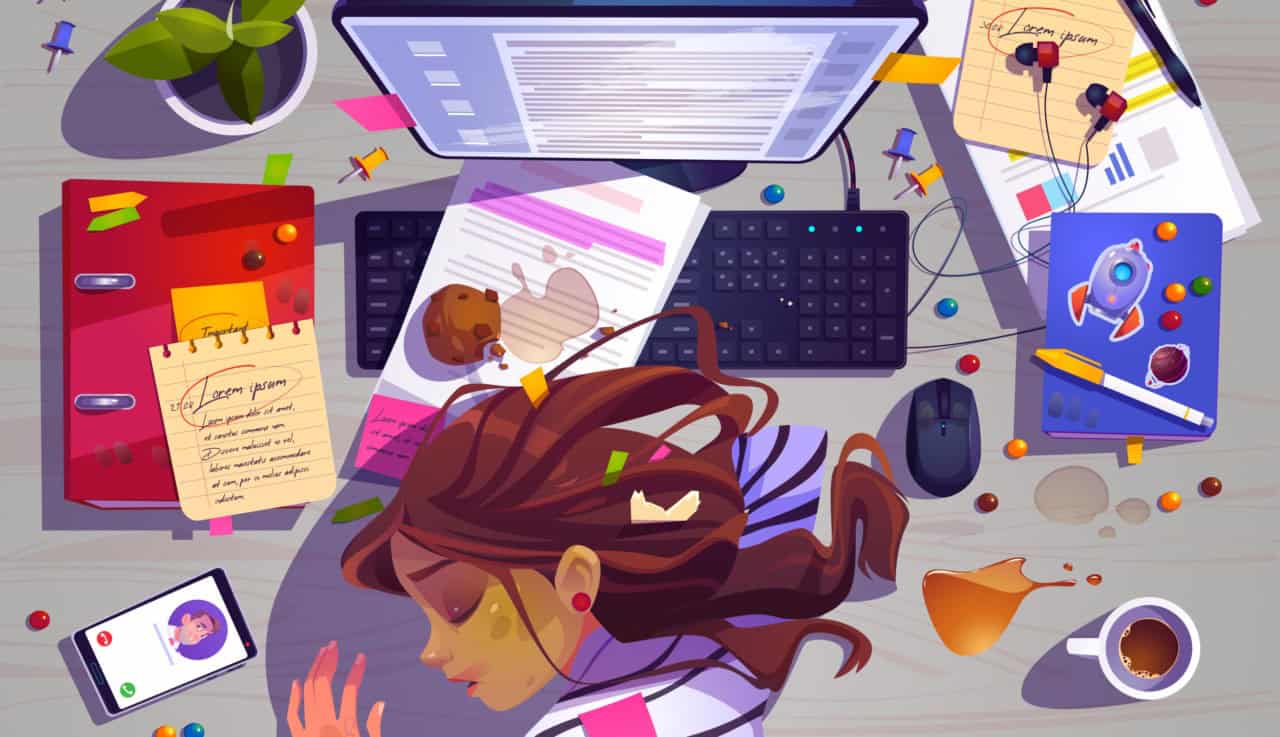
For some heirs, an effective digital executor is the difference between an inexplicable pile of drives, optical media, specialised computer peripherals and a continuing income stream from a digital business.
At the very least, leave the keys around to unlock any sophisticated backup systems you use.
If you use DLT tape, or even just DVD or BluRay optical data solutions, having a working device with a modern connection port goes beyond consideration, it’s likely to be the difference between continuity and the dumpster.
No matter how obvious and clear your filing system is to you, don’t expect anyone trying to understand it to make sense of what you think is organisation without at least having a briefing document to guide them.
There have been times that I’ve looked at a computer desktop covered with a vomit spray of document icons in utter confusion only to watch the system’s user navigate the chaos effortlessly.
The big difference is that death cleaning is the process of preparing your work for the day you aren’t around to jockey that cursor around authoritatively.
Perhaps, in the course of doing that, you may find an opportunity to audition the family member most likely to take an interest in your digital leavings.
When it comes to digital death cleaning, always assume that the person coming after you might have good intentions, but likely has no interest in luxuriating in your obscure filing system and little time to decode it.
At best, your heirs will make a token effort to figure out what to do with your bits, find an appreciative home for them or even try to make some money from your life’s work.
This isn’t something you can gasp out dramatically in a whisper on your deathbed.
If your work is important to you, death cleaning is your opportunity to explain why it should matter to your family after you’re gone.









 Digital döstädning
April 5, 2026
Digital döstädning
April 5, 2026
 The garbage infesting my in-box
March 30, 2026
The garbage infesting my in-box
March 30, 2026
 TSTT’s payments problem
March 30, 2026
TSTT’s payments problem
March 30, 2026
 Is Apple’s Neo the One?
March 22, 2026
Is Apple’s Neo the One?
March 22, 2026
 Privacy and your travel information
March 15, 2026
Privacy and your travel information
March 15, 2026
 TATT announces ambitious three-year strategic plan
March 9, 2026
TATT announces ambitious three-year strategic plan
March 9, 2026
 Samsung’s S26 leans in hard on...
March 1, 2026
Samsung’s S26 leans in hard on...
March 1, 2026
 A 2026 manifesto for Carnival
February 23, 2026
A 2026 manifesto for Carnival
February 23, 2026
 A hiss from a rose
February 15, 2026
A hiss from a rose
February 15, 2026
 News is a niche until it’s...
February 9, 2026
News is a niche until it’s...
February 9, 2026
 FT’s second Next Gen News report...
February 9, 2026
FT’s second Next Gen News report...
February 9, 2026
 Ransomware report notes fourth quarter 2025...
February 2, 2026
Ransomware report notes fourth quarter 2025...
February 2, 2026
 Hands-on with Apple’s Creator Studio as...
January 30, 2026
Hands-on with Apple’s Creator Studio as...
January 30, 2026
 Apple flirts with subscription software
January 26, 2026
Apple flirts with subscription software
January 26, 2026
 So long, and thanks for all...
January 19, 2026
So long, and thanks for all...
January 19, 2026
 Cyberedge reports on cybersecurity trends
January 12, 2026
Cyberedge reports on cybersecurity trends
January 12, 2026
 Samsung’s ZFlip 7 shows steady improvement
January 5, 2026
Samsung’s ZFlip 7 shows steady improvement
January 5, 2026
 Digital New Year’s resolutions
December 29, 2025
Digital New Year’s resolutions
December 29, 2025
 WiPay announces new strategy for services,...
December 22, 2025
WiPay announces new strategy for services,...
December 22, 2025
 Old Mac, new OS
December 15, 2025
Old Mac, new OS
December 15, 2025