
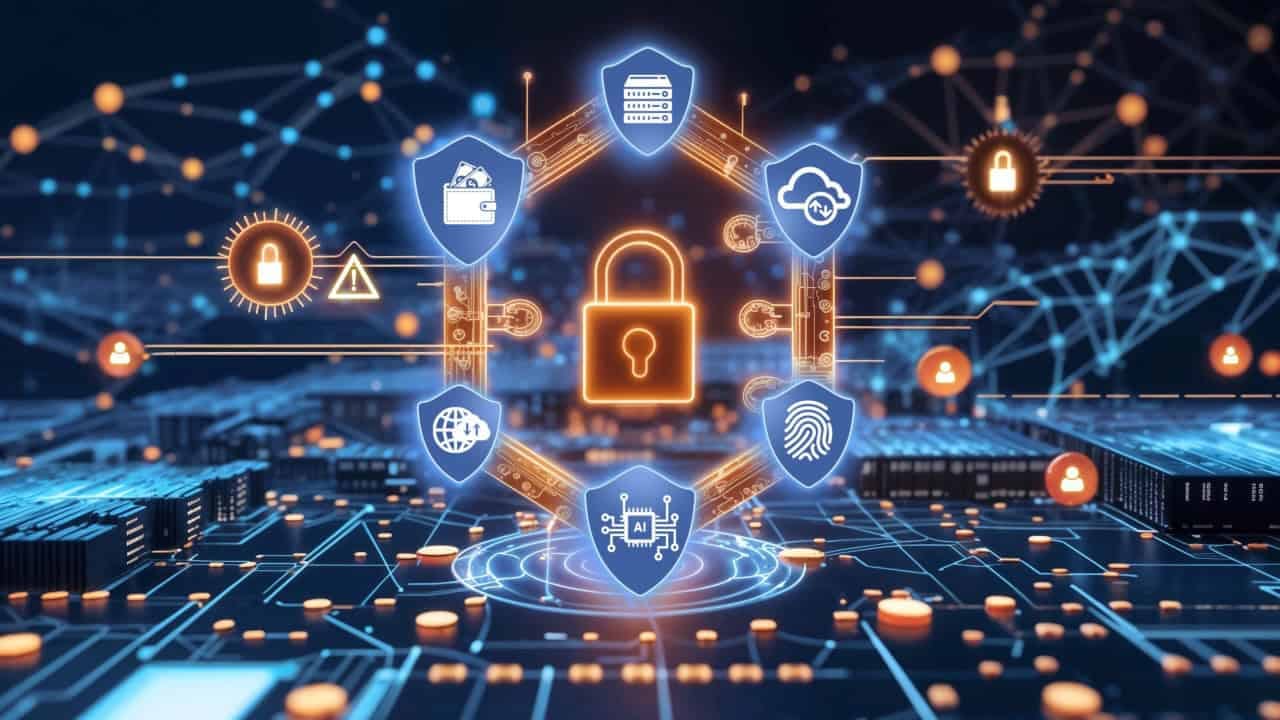
- Improve password security by using two-factor authentication, passkeys, and biometric authentication
- Ensure backups are stored on multiple software platforms to prevent data loss
- Use existing digital tools like digital calendar systems for reminders
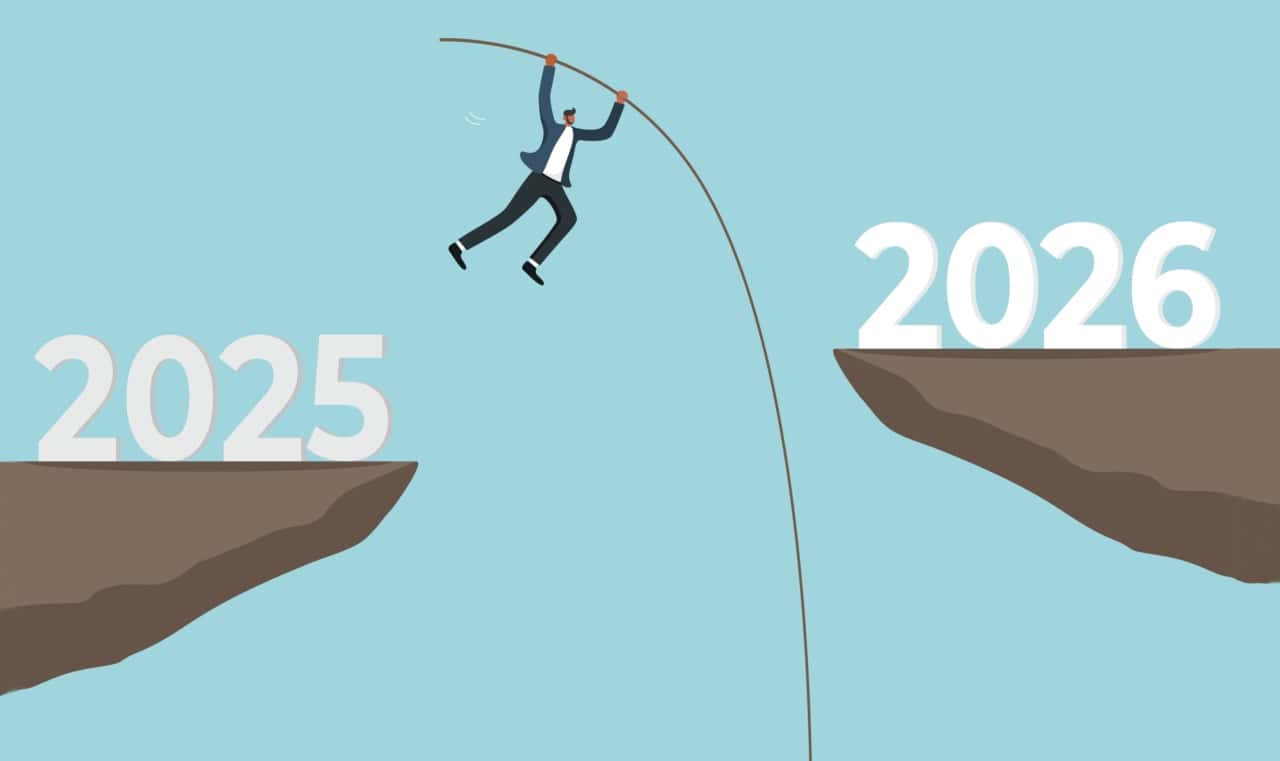
Above: Illustration by yuliqwi/DepositPhotos
BitDepth 1543 for December 29, 2025
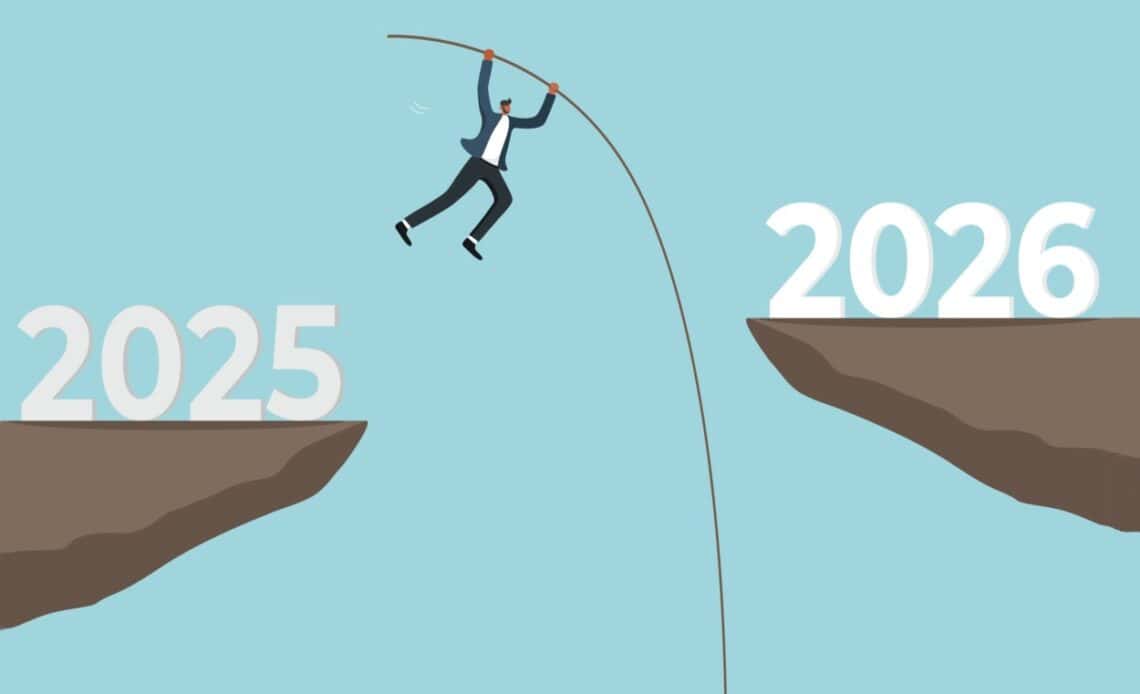
The sorrel and ginger beer are behind us, the midnight of promises looms. What will your New Year’s resolutions be for 2026? Let’s make them digital and be realistic about it.
Passwords
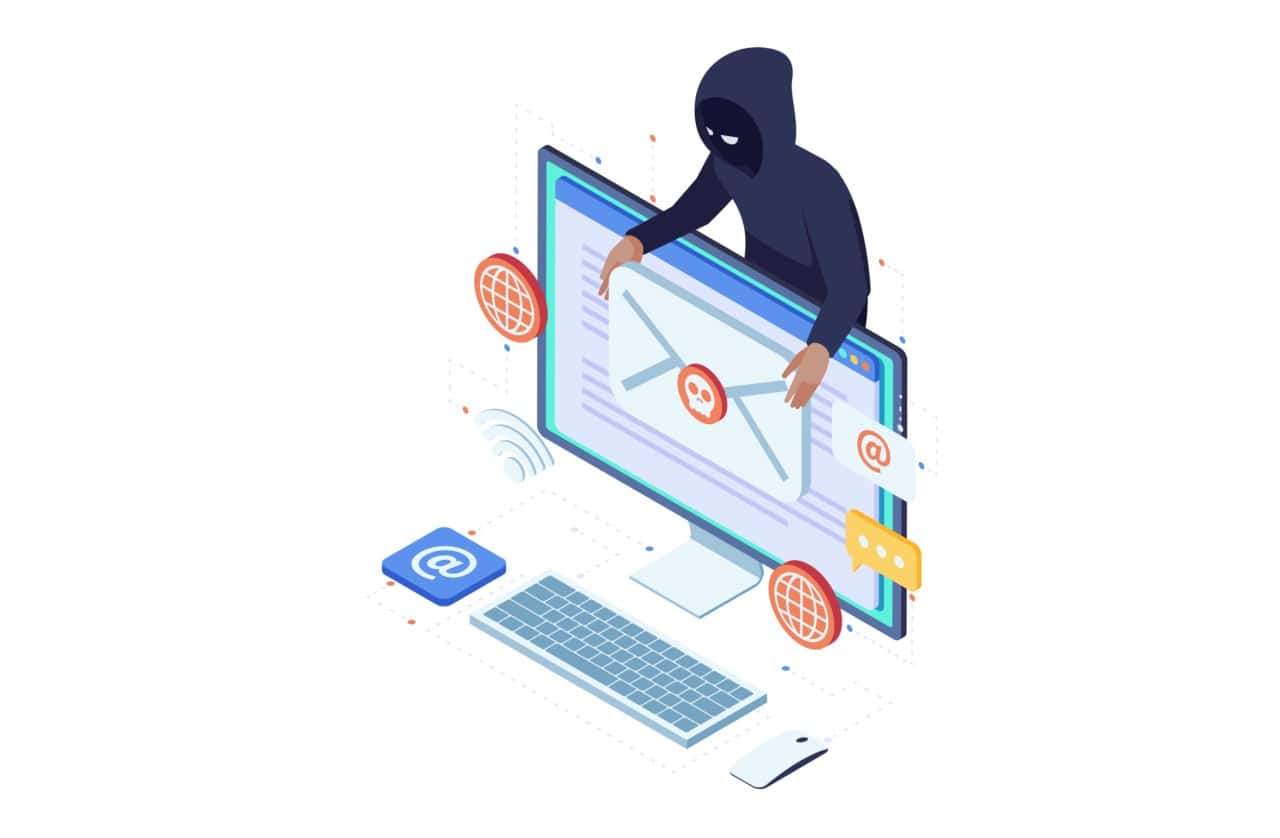
Your most critical commitment should be to improving password security, which really means working harder to get rid of passwords altogether.
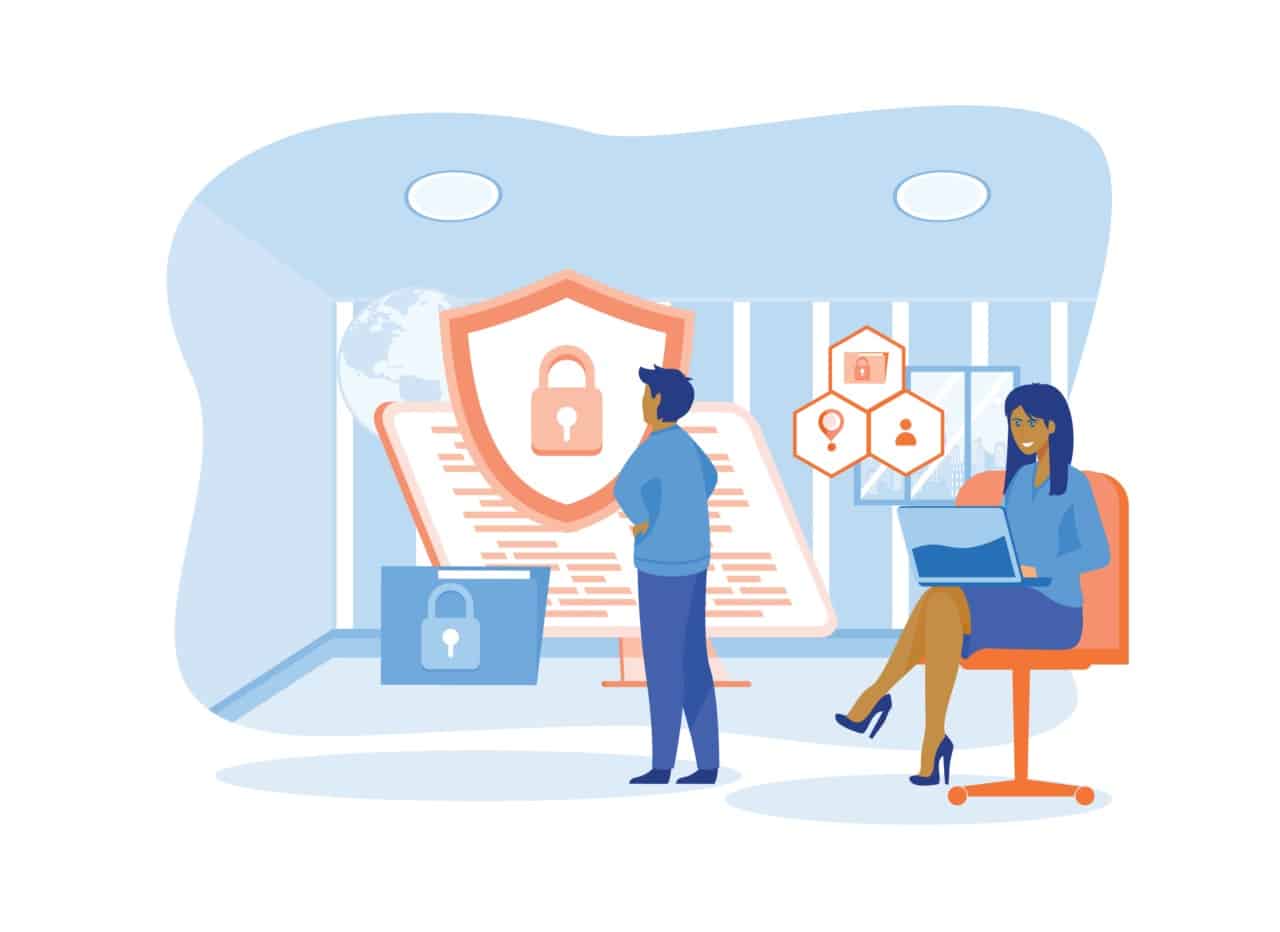
At the very least, switch to two-factor authentication (2FA) for critical log-ins and better, move passwords to the new passkey format, which takes advantage of improved biometric security on modern smartphones.
The leading authenticators for personal use are the apps from Microsoft and Google and they are a low-overhead way of improving your personal security.
Microsoft recently made the decision to move their password auto-fill from their app to the Edge browser, which they are positioning as its preferred password manager while strengthening its use case.
Apple’s new Passwords app is built from the ground up to work with passkeys which are far less of a hassle to work with than traditional 2FA solutions.
Passkeys are only effective if you’ve already set up your smartphone with proper biometric authentication, which is also highly recommended as a security measure.
Backup
You should, of course, have a backup of your personal data, but let’s dial back from that challenge to the most critical communications information you work with each day.
That’s your list of phone contacts, meat-world addresses and email URLs that should never be the topic of a conversation that begins with “I lost all my…”
With the demise of phone books, keeping an accessible copy of this relatively tiny but deeply personal and often irreplaceable cache of information should be both automated and up-to-date.
Try ensuring that it’s on more than one software platform. If you use Outlook, synchronise the data with GMail.
If you use iCloud on Mac, synchronise the data with GMail. Go in the reverse direction if you are a GMail user.
Just make sure that your personal phone book is on at least two platforms on two different devices.
And while we’re talking about backup, prepare and execute a strategy for automating regular copies of your data.
If you’ve got a Mac, then all you need is an external drive or a substantial flash drive. Time Machine is built into the OS and works seamlessly.
Time Machine is an incremental backup system, adding new or changed files to the backup repository when your backup device is connected.
Windows 11 offers File History, which requires a bit more setting up than Apple’s solution, but is worth exploring.
More sophisticated users can explore tools like Veeam, Cobain Backup or Macrium ReflectX.
Cloud services such as BackBlaze are also worth considering, but I prefer to treat cloud backup as a third-tier data recovery solution.
The first tier should be continuous incremental backup, the second tier, cold drives or optical media. But start with something for the New Year.
App exploration and personal challenge
You probably already have several digital tools available to you to make your life if not easier, then at least more bearable, apps with features you haven’t explored.
Every computer and smartphone has a digital calendar system, which means that you have a live appointment book capable of giving you reminders.
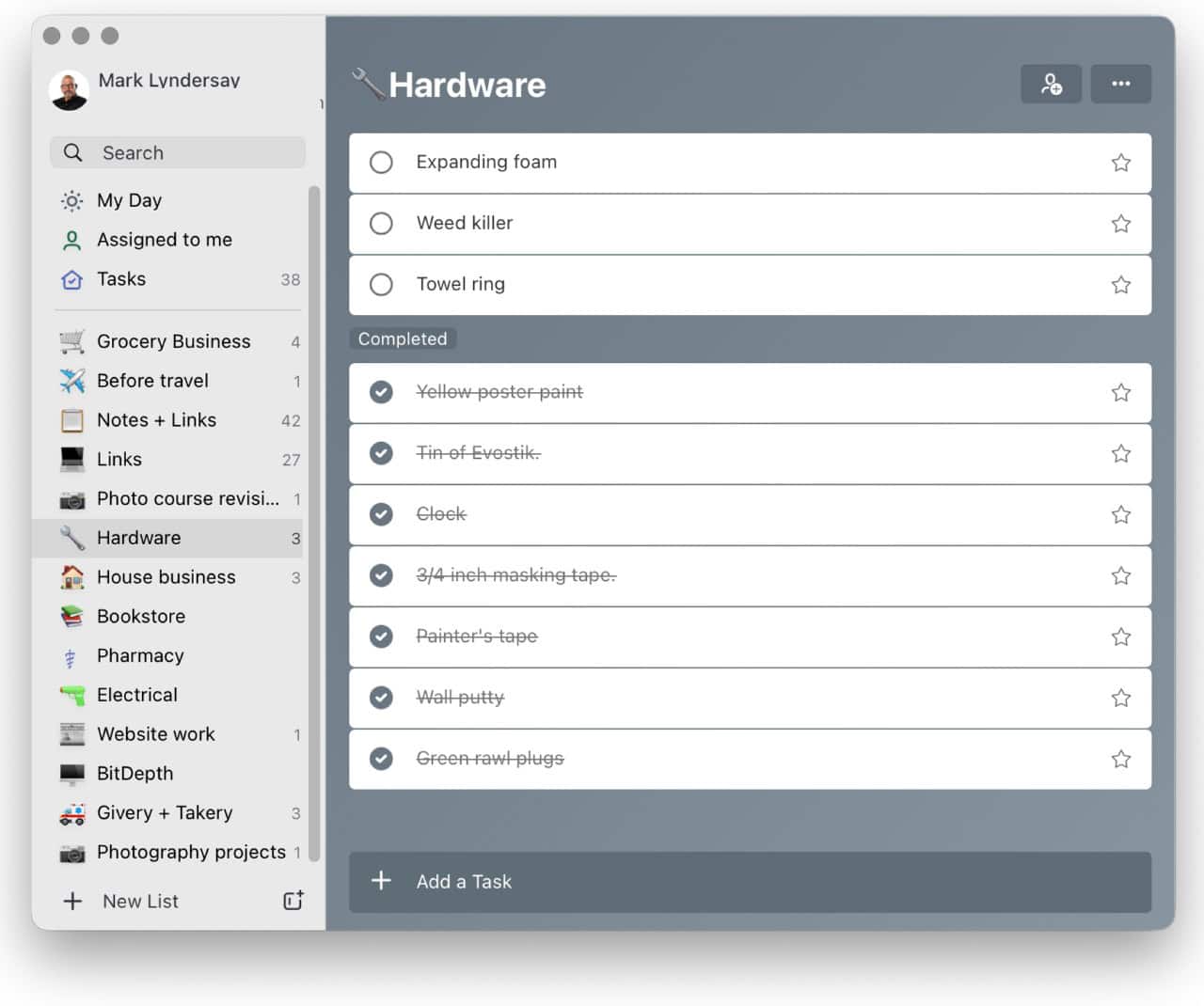
There are multiple solutions for creating a task list, but I like Microsoft’s free To Do (formerly Wunderlist), which is available on multiple devices on multiple platforms, and automatically and almost instantaneously synchronises its data between them while supporting unlimited lists in a single app.
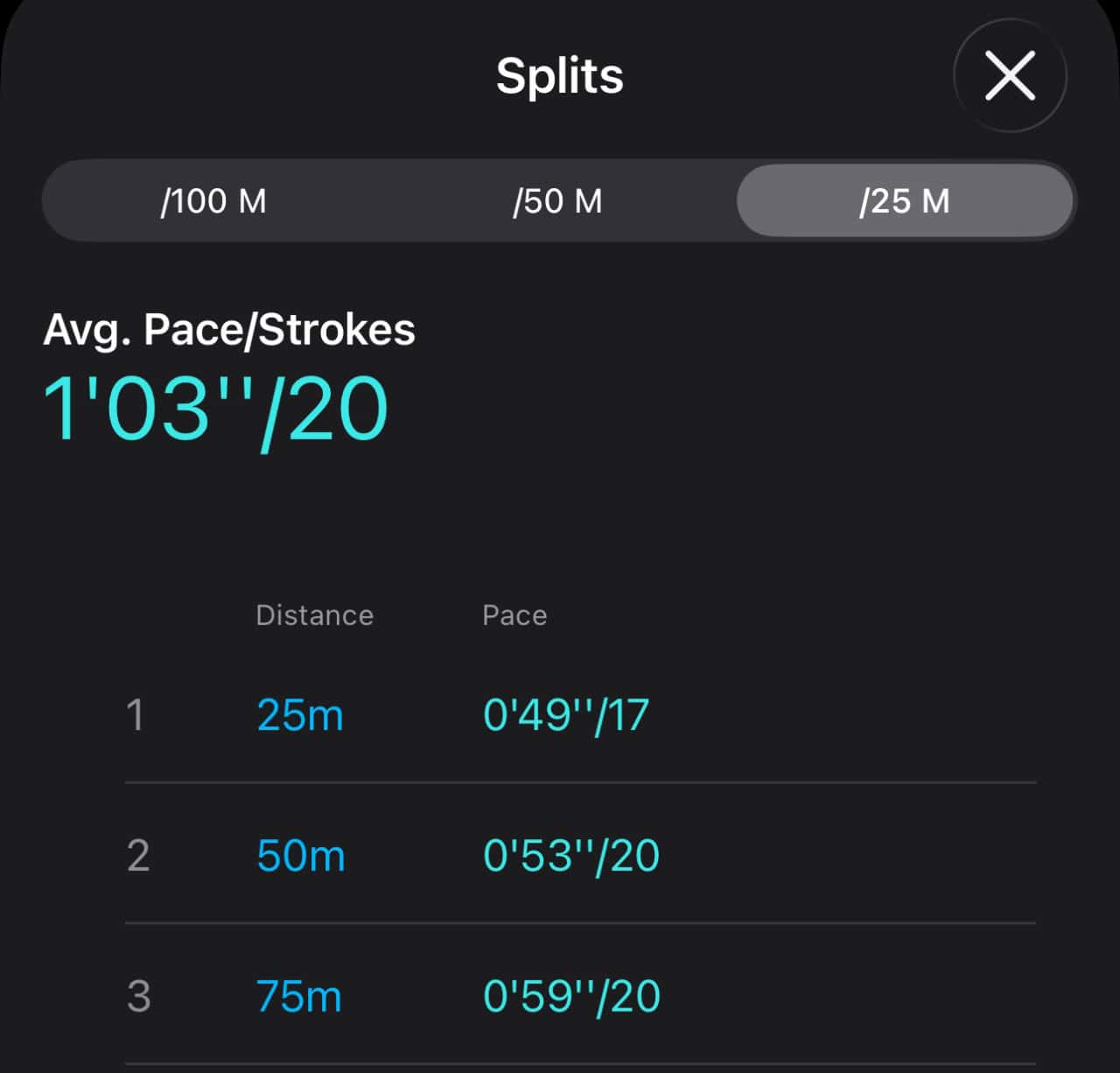
Because I know this, I have a challenge I work to match and one day exceed. Or not, but what I’m actually doing won’t be a mystery.
If you have a smartwatch or fitness wearable, you have a tool you can also use to test yourself. My first wearable was a lap counter ring, which replaced sea sand polished glass that I’d found at the beach and used to count off completed laps in the pool.
I’m on my third smartwatch now, after using watches from Huawei and Samsung that also automatically counted laps. While none of them are as accurate as a dedicated swim watch (look to Garmin for that), they at least have internal error consistency.
All smartwatches can do land-based workouts with decent accuracy and all count at least your footsteps by default. That’s a great way to start, by setting daily goals and skipping elevators and escalators for the stairs.
What you’re actually doing is gamifying exercise, which is useful if you don’t have a taste for the endorphin rush exercise is supposed to deliver. With a smart watch can choose to play against yourself in fitness solitaire.
Once you can track the results of your effort, even if it’s just a walk around the block, you can work at besting your last outing even if it’s just by increments.






 The state of ransomware in the...
April 12, 2026
The state of ransomware in the...
April 12, 2026
 Digital döstädning
April 5, 2026
Digital döstädning
April 5, 2026
 The garbage infesting my in-box
March 30, 2026
The garbage infesting my in-box
March 30, 2026
 TSTT’s payments problem (updated)
March 30, 2026
TSTT’s payments problem (updated)
March 30, 2026
 Is Apple’s Neo the One?
March 22, 2026
Is Apple’s Neo the One?
March 22, 2026
 Privacy and your travel information
March 15, 2026
Privacy and your travel information
March 15, 2026
 TATT announces ambitious three-year strategic plan
March 9, 2026
TATT announces ambitious three-year strategic plan
March 9, 2026
 Samsung’s S26 leans in hard on...
March 1, 2026
Samsung’s S26 leans in hard on...
March 1, 2026
 A 2026 manifesto for Carnival
February 23, 2026
A 2026 manifesto for Carnival
February 23, 2026
 A hiss from a rose
February 15, 2026
A hiss from a rose
February 15, 2026
 News is a niche until it’s...
February 9, 2026
News is a niche until it’s...
February 9, 2026
 FT’s second Next Gen News report...
February 9, 2026
FT’s second Next Gen News report...
February 9, 2026
 Ransomware report notes fourth quarter 2025...
February 2, 2026
Ransomware report notes fourth quarter 2025...
February 2, 2026
 Hands-on with Apple’s Creator Studio as...
January 30, 2026
Hands-on with Apple’s Creator Studio as...
January 30, 2026
 Apple flirts with subscription software
January 26, 2026
Apple flirts with subscription software
January 26, 2026
 So long, and thanks for all...
January 19, 2026
So long, and thanks for all...
January 19, 2026
 Cyberedge reports on cybersecurity trends
January 12, 2026
Cyberedge reports on cybersecurity trends
January 12, 2026
 Samsung’s ZFlip 7 shows steady improvement
January 5, 2026
Samsung’s ZFlip 7 shows steady improvement
January 5, 2026
 Digital New Year’s resolutions
December 29, 2025
Digital New Year’s resolutions
December 29, 2025
 WiPay announces new strategy for services,...
December 22, 2025
WiPay announces new strategy for services,...
December 22, 2025
Hi Mark,
Thanks as always for your insights.
I’ve always considered the risk of personal hardware being lost or damaged to be higher than an online account being compromised. What’s the reason for your low confidence in cloud storage?
My confidence is low across all backup categories. I don’t trust spinning drives. I don’t trust SSDs. I don’t trust optical media. I trust cloud backup media even less than those because there are so many possible failure points and I don’t know if it will work until I have to find out if it works. My ideal back-up regimen spreads my distrust across as many untrustworthy media as possible.